9 sounds · Ocean is free
Water
Ocean, streams, meltwater and a little waterfall.
Choose less. Settle sooner.
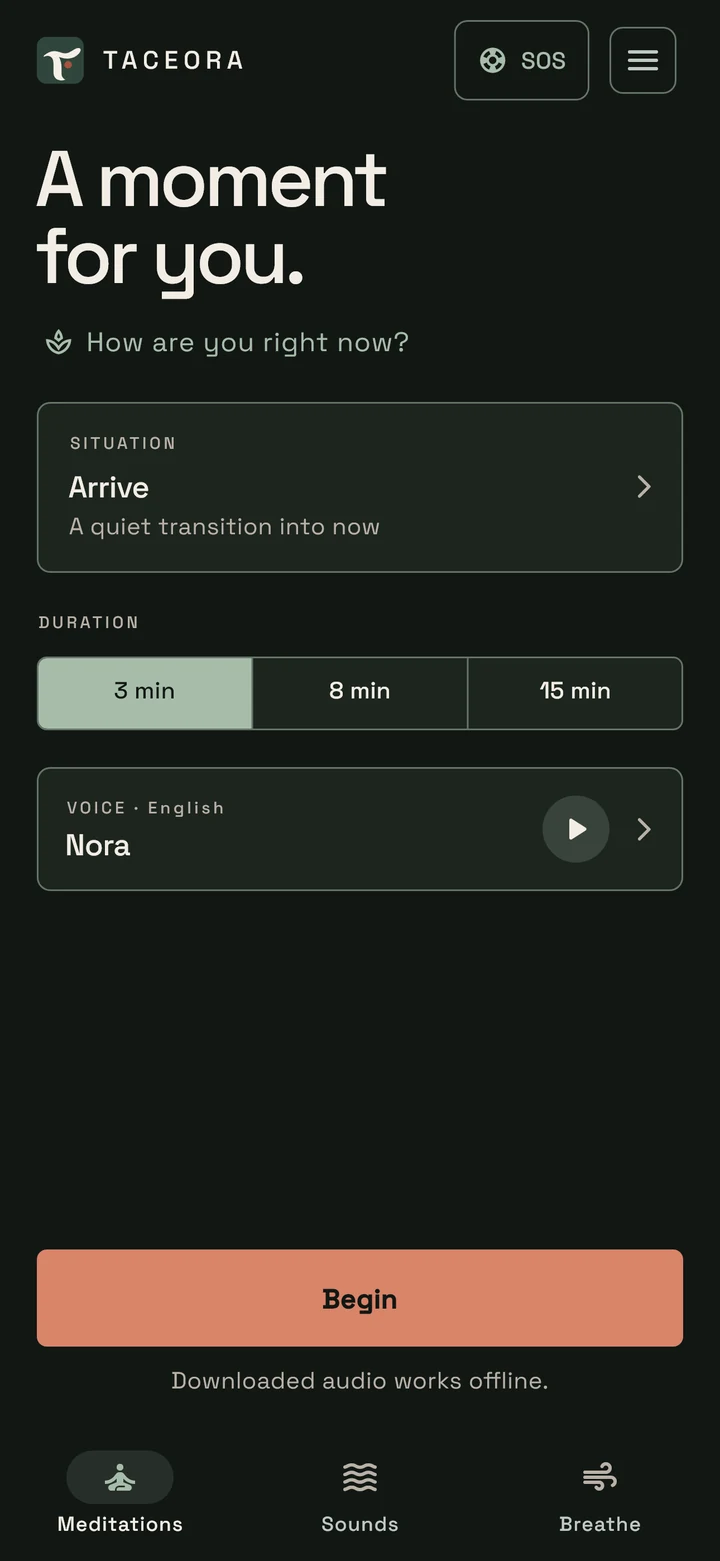
Three minutes for you. Or just one. Choose a meditation, breathe with the circle or simply listen. No subscription, ads or user account.

 AI-generated image
A woman takes a quiet break. Taceora shows its meditation selection, player and nature sounds with a sleep timer. 30 meditations per audio language with Complete. The lifestyle scene is AI-generated. Instrumental music accompanies the film; it is not an app audio sample.
Three decisions
Taceora asks only for situation, duration and voice. Then the meditation starts. No courses, points or recommendations get in the way.
Ten situations, each in 3, 8 and 15 minutes. Or tap “How are you right now?” and Taceora suggests the right practice.
28 sounds · even with the screen off
28 sounds without a voice in five groups: brown noise (warm and deep), pink and green noise, rain, ocean, fireplace and singing bowls, for falling asleep, resting or a calm background. The ocean and warm brown noise are free.
9 sounds · Ocean is free
Ocean, streams, meltwater and a little waterfall.
8 sounds · Complete
Fireplace, rain on the tent, forest rain, a night of crickets and morning birdsong.
7 sounds · warm brown noise is free
Brown noise (warm and deep), pink and green noise, a distant swell, gentle wind and a fan.
2 sounds · Complete
Singing bowls and a low, soft chord without melody.
2 sounds · Complete
A train ride and deep noise like a plane at night.
15, 30 or 60 minutes, or no time limit. The sound loops; with a timer it fades gently at the end and stops without a gong. Even with the screen locked.
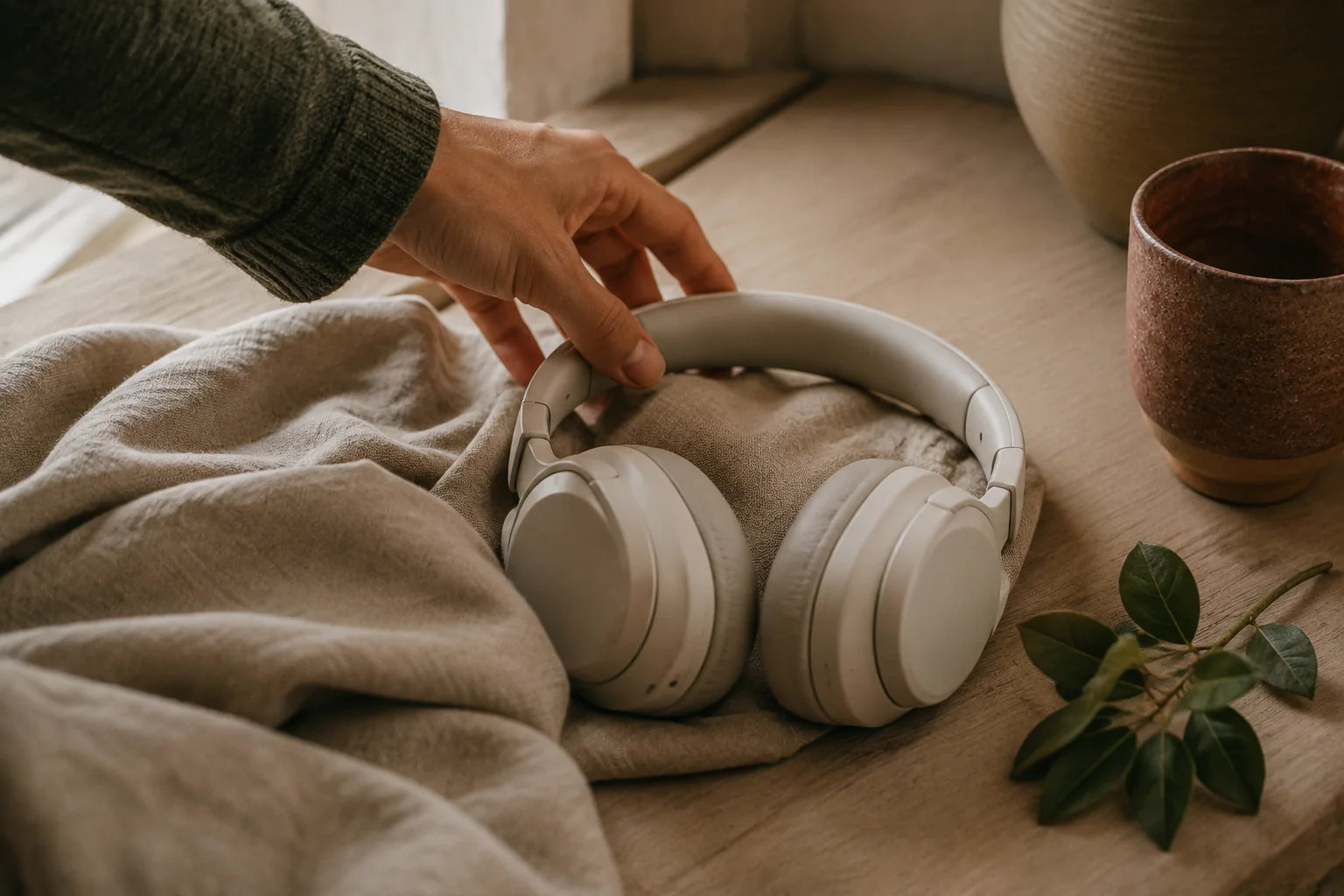 AI-generated image
A voice that fits
Every language has its own recordings with a female and a male voice: Nora and Elias in English, Mara and Jona in German, Lucía and Mateo in Spanish, Élise and Julien in French, Giulia and Matteo in Italian, Lívia and Rafael in Brazilian Portuguese. A short sample helps you choose.
During meditation
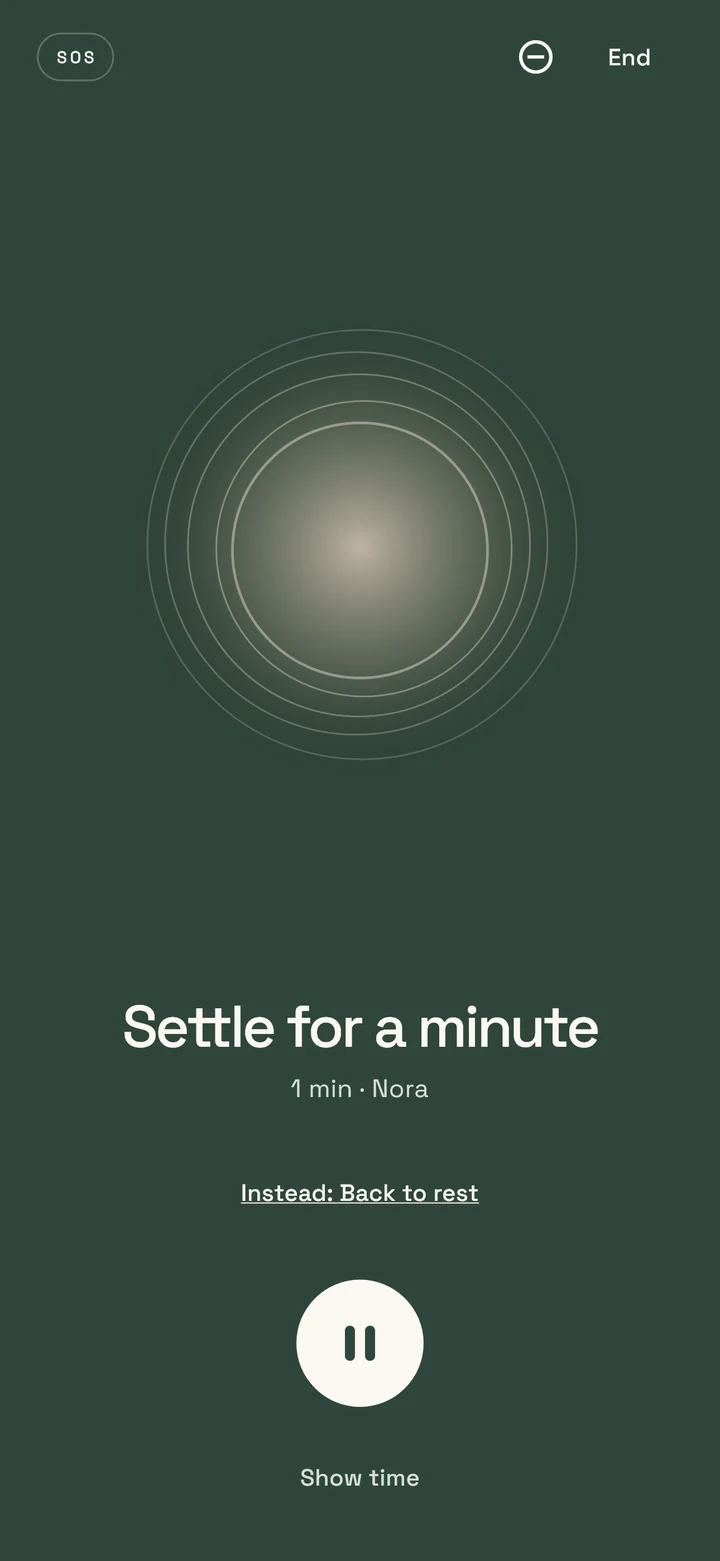
The player hides elapsed time by default. You can show it if you want to keep track. The breathing circle stays quiet and every control remains within easy reach.
“Let the next breath happen on its own.”
Free and Complete
FREE
Six meditations, the SOS minute, two breathing exercises, plus the ocean and warm brown noise, in every language and with both voices. No credit card needed and no trial subscription.
COMPLETE
Ten situations in three durations each: 30 meditations per language, plus all 28 sounds and all four breathing exercises. One purchase adds 24 meditations, 26 sounds and two breathing exercises to Free.
One-time purchase · no subscription · restorable through the original store
Right on the home screen and in the widget: a spoken minute to settle down, and in the evening a minute to fall back asleep. Free, and offline after the first download.
Four breathing exercises with a calm circle that grows as you breathe in and shrinks as you breathe out. 1, 3 or 5 minutes, no breath-holding, always at your own pace. Two are free.
One tap is enough: whether you feel rushed, your thoughts keep spinning or the day has worn you out, Taceora suggests the right practice. Then you only choose the length.
Your monthly recap shows how often you found calm, with no streak that can break. If you like, note your mood before and after a practice; it stays on your device. Optionally log mindful minutes in Apple Health or Health Connect.
Meditations and sounds keep playing in the background; pause and resume from the lock screen. A widget starts “3 minutes now” or the SOS minute from your home screen. Set a silent reminder for your chosen time.
Light, dark or system appearance, easy to read on tablets and with large text. Keep the time hidden in the player if you prefer. Choose language, voice and duration independently.
With your system permission, optional Android quiet mode silences calls and alerts during meditation. Taceora turns off its own rule when you pause, finish or end the session. On iPhone, you set up Focus yourself.
Quiet mode is off by default and applies to meditations, not the sound timer. Alarms and system exceptions may still get through. Android Force stop may leave the rule active; check Do Not Disturb if that happens. Taceora clears its rule on the next start. An iPhone Focus automation follows app use, not the exact end of a recording.
Each language includes one complete 3-minute Arrive meditation in the first voice, ready offline right away. Download voice samples, the second voice, other meditations, the SOS minute and the sounds individually as you need them. Then listen offline; remove individual files in Audio storage.
Purchase verification, restoration and first downloads require internet. Retry an interrupted download to resume it where possible. Only fully verified files are played. Deleted downloads can be downloaded again without removing your Complete access. After reinstalling the app, download the additional audio again.
No. You can use Taceora for free: six meditations, the SOS minute, two breathing exercises, plus the ocean and warm brown noise come without a purchase. Taceora Complete unlocks the rest once, with no subscription and no trial period. The store shows the price.
Yes. Every language includes a 3-minute meditation that works offline right away. You download further meditations, the SOS minute and the sounds once and then listen without internet.
Brown noise (warm and deep), pink noise and green noise. Brown noise emphasizes the low tones and sounds dark and soft, pink noise is more even and reminds many people of steady rain, and green noise emphasizes the middle tones. Warm brown noise is free; the other noise colors are part of Complete.
No. All four breathing exercises only alternate between breathing in and out, with no breath-holding. The circle shows the rhythm. The pace is an offer: you can return to free breathing at any time.
No. Taceora works without a user account and without ads. Purchases go through Apple or Google and can be restored in the same store.
Taceora is available for iPhone and iPad on the App Store and for Android on Google Play. Store links lead to the official listings; availability may vary by country.